Does a VPN Slow Down Your Internet? What Actually Affects Speed
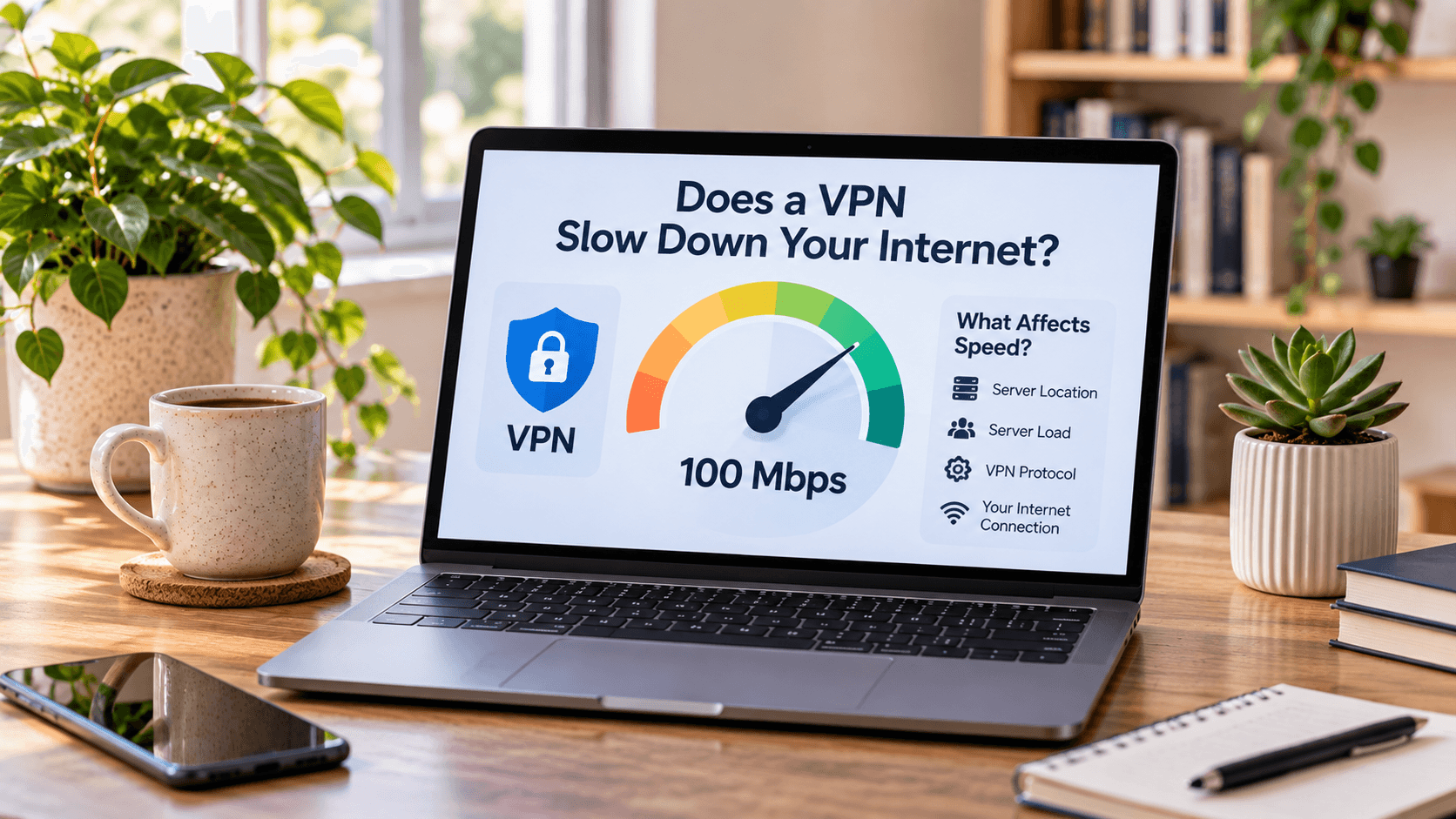
A VPN always adds some overhead: your traffic is encrypted, sent to a VPN server and then on to its destination. With a fast modern provider and the right settings, the slowdown is often small enough that you will not notice it for browsing or streaming. Here is what controls the impact and how to keep it low.
Why a VPN slows things down
- Encryption. Your device and the VPN server encrypt and decrypt every packet. Modern protocols are efficient, but older devices and routers can struggle.
- An extra stop. Instead of going straight to a website, your data first travels to the VPN server. If that server is far away, every request takes longer.
- Protocol overhead. Each protocol adds some extra data to every packet and needs a certain amount of processing.
- Shared servers. VPN servers are shared, so a busy server can slow everyone on it.
The factors that matter most
1. Server distance
This is usually the biggest factor. Connecting to a server in your own country or a nearby one adds little latency. Connecting to another continent adds noticeable delay, which affects video calls and gaming more than downloads.
2. Protocol
WireGuard and protocols built on it, such as NordVPN's NordLynx, are generally faster than OpenVPN, especially on phones and long-distance connections. ExpressVPN's Lightway is also designed for speed. Our WireGuard vs OpenVPN guide explains why.
3. Server load
Large networks such as NordVPN's and ExpressVPN's make it easier to find a server that is not overloaded. Many apps pick the best server automatically.
4. Your device and network
On very fast connections, an older laptop, phone or router can become the bottleneck because it cannot encrypt traffic fast enough. A VPN also cannot make your base connection faster than it is; if your Wi-Fi is weak, it will still be weak.
5. Extra features
Multi-hop routing (such as Proton VPN's Secure Core or Mullvad's multihop), obfuscation and traffic-analysis protection all add privacy at the cost of some speed. Use them when you need them.
When a VPN can make things faster
Occasionally, a VPN improves performance. If your internet provider throttles certain traffic, such as video streaming or P2P, encryption can stop it from identifying and slowing that traffic. Some users also see better routing to distant services through a well-connected VPN server. These are exceptions, not the rule.
How to test the impact yourself
- Disconnect the VPN and run a speed test, noting download, upload and ping.
- Connect to a nearby VPN server and repeat the test with the same test server.
- Try a different protocol or location and test again.
- Repeat at different times of day, because network load varies.
Testing on your own connection is more useful than any general figure, because results depend on your location, provider, device and network.
How to keep a VPN fast
- Use WireGuard or your provider's fast protocol.
- Choose the nearest server that meets your needs.
- Let the app pick the fastest server automatically.
- Turn off multi-hop and obfuscation unless you need them.
- Use a wired connection or a better Wi-Fi signal where possible.
- If your router runs the VPN, make sure it is powerful enough for your connection speed.
Bottom line
A VPN does slow your connection a little, but with a modern protocol and a nearby server the difference is usually small. Distance, protocol and server load matter far more than which brand you choose. Our full rating includes a speed score for every provider to help you compare.