How to Watch Netflix and Other Streaming Libraries With a VPN
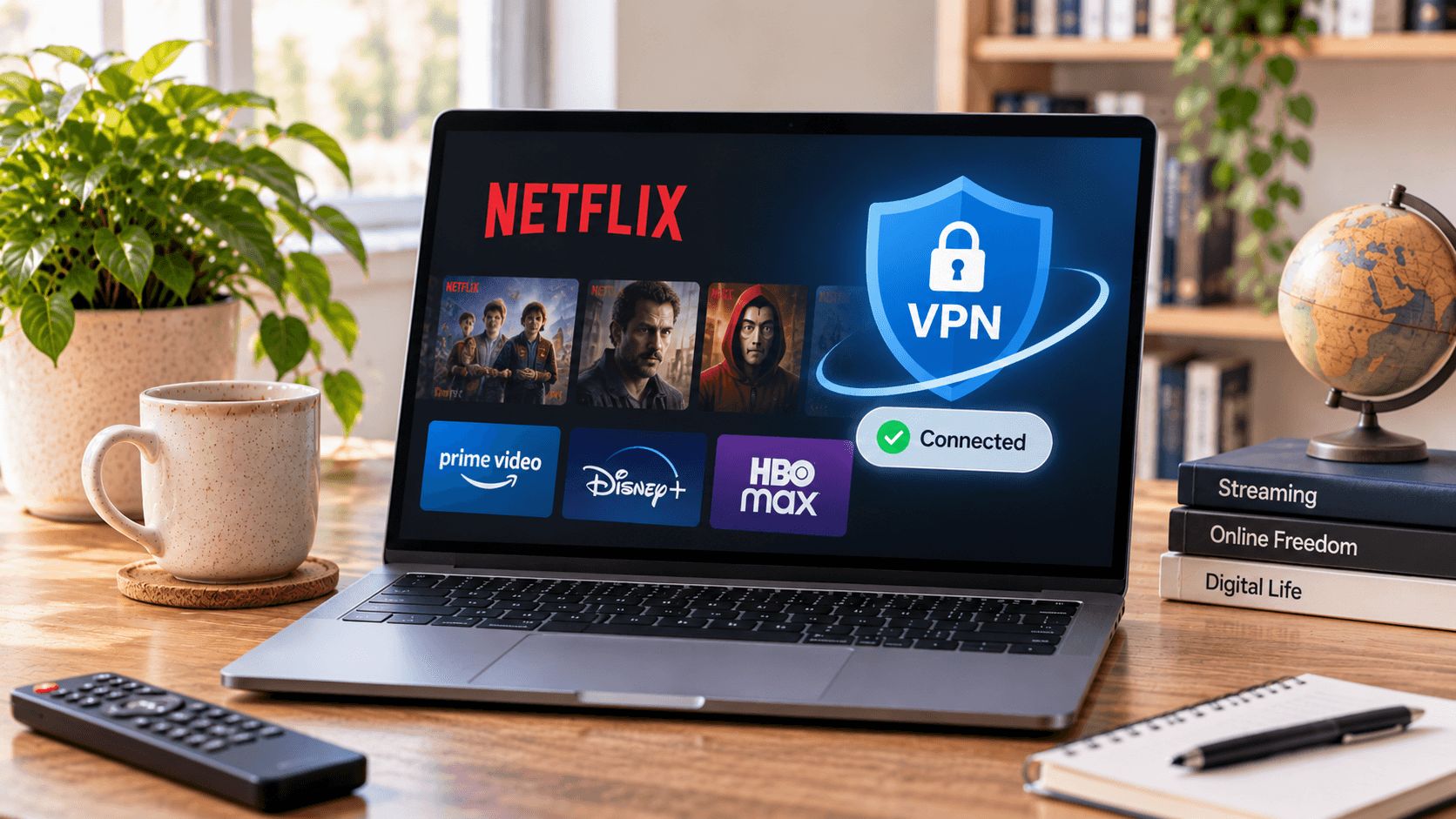
Streaming services show different libraries in different countries because of licensing deals. A VPN can make your connection appear to come from another country, but streaming platforms work hard to detect and block VPN servers. This guide walks through how to set things up and what to do when it stops working.
Before you start: the terms of service
Using a VPN to access another country's library is not illegal in most countries, but it can break a streaming service's terms of service. The usual consequence is that the service blocks the VPN connection or shows an error, rather than closing your account. Make sure you understand the rules of the service you use.
Step 1: choose a provider that maintains streaming servers
Streaming platforms regularly block known VPN IP addresses, so a provider has to keep replacing servers and IPs to stay ahead. Larger providers with active streaming support are the safest choices:
- NordVPN and ExpressVPN have long track records with major streaming libraries.
- Surfshark is a strong budget option and covers unlimited devices, handy for every TV and phone at home.
- CyberGhost labels its servers with the specific streaming service and country they are meant for.
Privacy-focused services such as Mullvad and IVPN do not try to unblock streaming libraries, so they are a poor fit for this use. See our best VPN for streaming list.
Step 2: connect to the right server
- Open the VPN app and choose a server in the country whose library you want.
- If your provider offers streaming-optimized servers, use the one labeled for your service.
- Use a fast protocol such as WireGuard (or NordLynx or Lightway) for the smoothest playback.
- Pick a server as close as possible within that country to reduce buffering.
Step 3: open the service fresh
Streaming apps and websites can remember your previous location. After connecting:
- In a browser, open a private window or clear cookies for the streaming site.
- On a phone, close the app completely and reopen it.
- On mobile, location services can reveal your real country. If the app still shows your home library, check its location permissions.
Fixing common errors
"You seem to be using an unblocker or proxy"
This means the service has recognized the VPN server's IP address. Switch to another server in the same country, try a streaming-labeled server, or contact your provider's support, which usually knows which servers currently work.
The library has not changed
Clear cookies, sign out and back in, or restart the app. Also check for DNS leaks: if your device still uses your internet provider's DNS, the service may detect your real location. Most good VPN apps prevent this automatically.
Constant buffering
Choose a closer server, switch protocol, or test at a different time of day. Distance and server load have the biggest effect on streaming quality.
Streaming on smart TVs and consoles
Many smart TVs and consoles cannot run VPN apps. You have three options:
- Install the VPN on your router so every device on the network goes through it. ExpressVPN offers a router app for supported models, and most providers support manual router setup.
- Use a streaming device such as an Amazon Fire TV or Android TV box that supports VPN apps.
- Use your provider's smart DNS feature, if it has one. It changes the region a service sees without encrypting traffic, so it is for streaming only, not privacy.
Bottom line
To stream with a VPN, choose a provider that actively maintains streaming servers, connect to a server in the right country, and start the streaming app fresh. When a server stops working, switch to another one, and remember that streaming access can change from week to week.